Direct Export from Plot
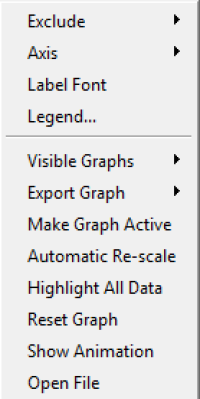
From within the explore tab, you are able to directly export the plotted graph as an image or text. Once you are ready to export the plot, right clicking will cause the context menu for the plot to appear. Once hovering above the Export Graph option the choices as Image and as Text will appear.
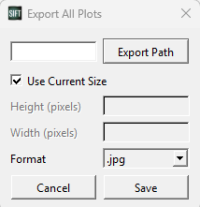
When choosing to export as an image, the export all plots dialog will appear. This is the same dialog that appears when Export all graphs as images button is selected in the toolbar. In this dialog you can select the export path and name for the image as well as choose the image's format (.jpg,.png,.bmp). You can also choose to change the height(pixels) and width(pixels) of the image.
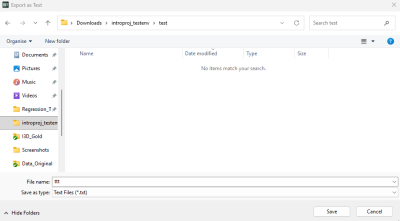
When choosing to export as text, a file explorer dialog will pop-up prompting the user to select where to save the file as well as what to name it and to select a file type (txt,csv)